Start with what you have
Tell GRITFIT what you are training for, how experienced you are, what equipment is available and how much time you have.

Most workout generators stop once they hand you a session. GRITFIT keeps the plan beside the sets, reps, effort and feedback you log, so later recommendations can respond to your training instead of starting with a blank prompt.
I did not want to build a chatbot that forgot the session as soon as it produced it. GRITFIT is meant to carry the plan, the work and the follow-up question together.
Tell GRITFIT what you are training for, how experienced you are, what equipment is available and how much time you have.
Strength, cardio and timed formats use the controls needed to follow and record the work, rather than leaving you with a paragraph of suggestions.
Record the sets you finished, the load you used, how hard it felt and anything that changed during the session.
Coach can explain why a recommendation was made. Any protected change still passes through validation and waits for confirmation.
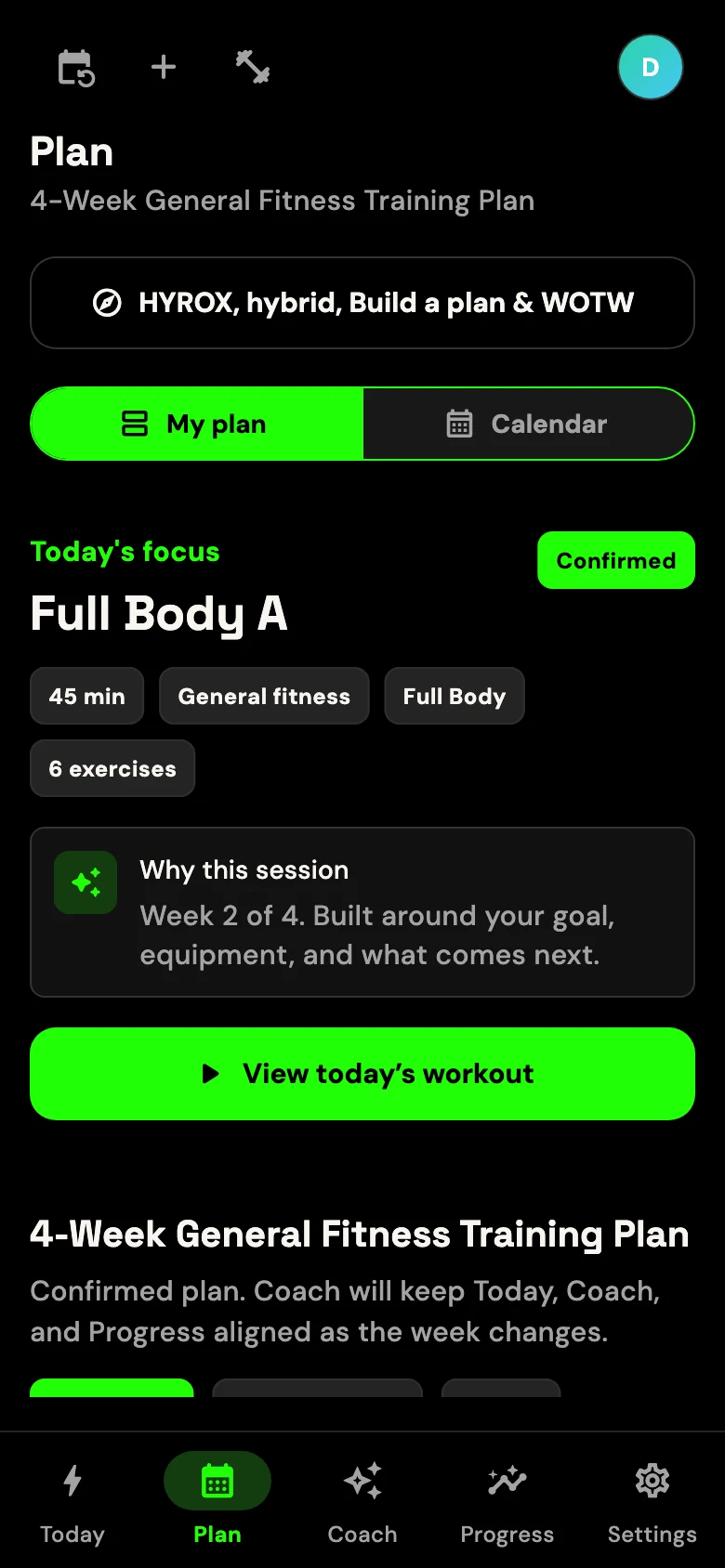
A generator can fill today's blank. I wanted GRITFIT to keep working after that moment: save what happened, compare it with the plan and bring useful history into the next decision.
The difference is not how often a page says “AI”. It is whether the product connects planning, execution and the next decision.
| Capability | Static plan | One-off generator | GRITFIT private beta |
|---|---|---|---|
| Uses goals and equipment | Sometimes | Usually at generation | Supported inputs |
| Records completed training | Separate notes | Often disconnected | Built into the training flow |
| Can use recorded work later | No | Varies | Supported history can influence recommendations |
| Explains a recommendation | Fixed instructions | Prompt dependent | Coach can use relevant context |
| Provides live technique correction | No | No | No |
This comparison describes product approaches, not every app in the market. GRITFIT is in private beta, features can change and AI output can be wrong or incomplete.
Sometimes the gym is packed. Sometimes you have 30 minutes. Sometimes the session simply goes badly. The app should deal with the version that happened.
Build and follow structured strength or cardio sessions with the details needed to record the work properly.
Choose the equipment, location and duration available when preparing a session.
Tell Coach what changed and ask how it affects the plan, without pretending there is always one perfect answer.
An AI fitness app uses software and rules to help with workouts or training decisions. The important question is what happens after the workout: can the app use the training you log, or does every answer begin from scratch?
GRITFIT starts with your goal, experience, equipment, schedule and training history. The sessions and feedback you record can then influence later recommendations.
No app can provide the live observation, technique correction, accountability and human judgement of a good personal trainer. Read our honest comparison of an AI personal trainer app and one-to-one PT support.
No. GRITFIT provides general fitness and wellness information, not medical advice, diagnosis, treatment, physiotherapy, rehabilitation or emergency support. Speak to a qualified professional when symptoms, injury or return-to-training decisions require individual assessment.
The current private beta supports compatible iPhones and iPads running iOS or iPadOS 15.0 or later, and Android phones and tablets running Android 8.0 Oreo (API level 26) or later.
Yes. Approved private-beta testers currently receive access without a public subscription purchase. Planned memberships are shown transparently on the pricing page, but they are not a live public offer.
Apply for the private beta on iPhone, iPad or Android. If selected, train as you normally would and send the blunt feedback that makes the product better.