Build around today
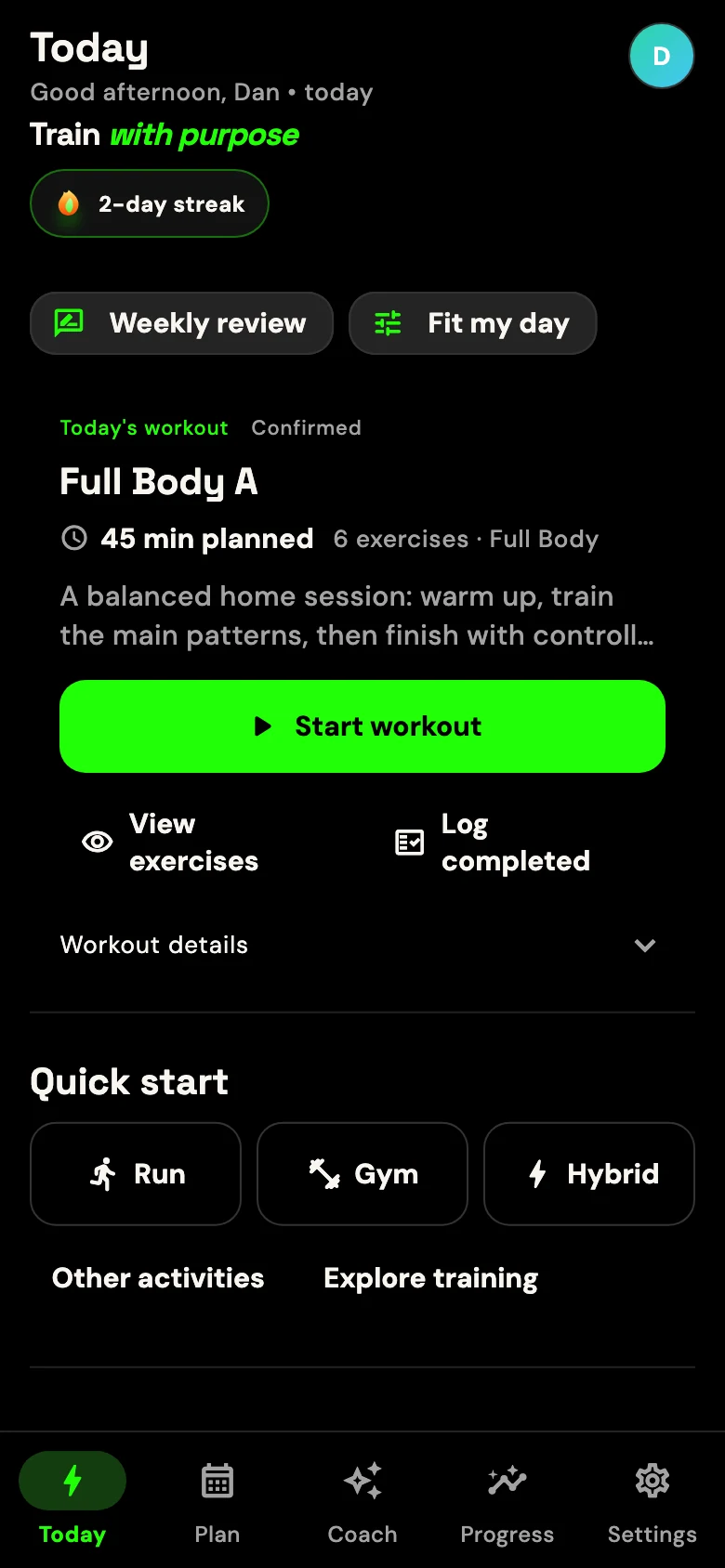
Your goal, experience, location, equipment and available time can shape a session or multi-week programme.

I built GRITFIT around a question I kept asking in my own training: what should I do today, and what should change after I finish it? Your goals, equipment, schedule and logged sessions all have a part in the answer.
Goals, experience, time, location and equipment create 13.35 million possible training-profile combinations. Include the choice of training weekdays and that becomes 317.73 million, before event dates, restrictions, training history or your own words enter the picture.
These are theoretical combinations of setup choices, not counts of unique workouts or combinations already validated. Some overlap or are incompatible. The useful part is finding a structured plan that fits you.
A workout on a screen is not enough. The plan, the session, the numbers you log and the next decision need to speak to one another.
Your goal, experience, location, equipment and available time can shape a session or multi-week programme.
Follow strength, cardio and timed formats with the right controls for sets, intervals, distance or steady work.
Completed sets, reps, load, effort and session feedback create a more useful picture than the plan alone.
Relevant history, check-ins and programme state can influence whether GRITFIT holds, progresses or adjusts.
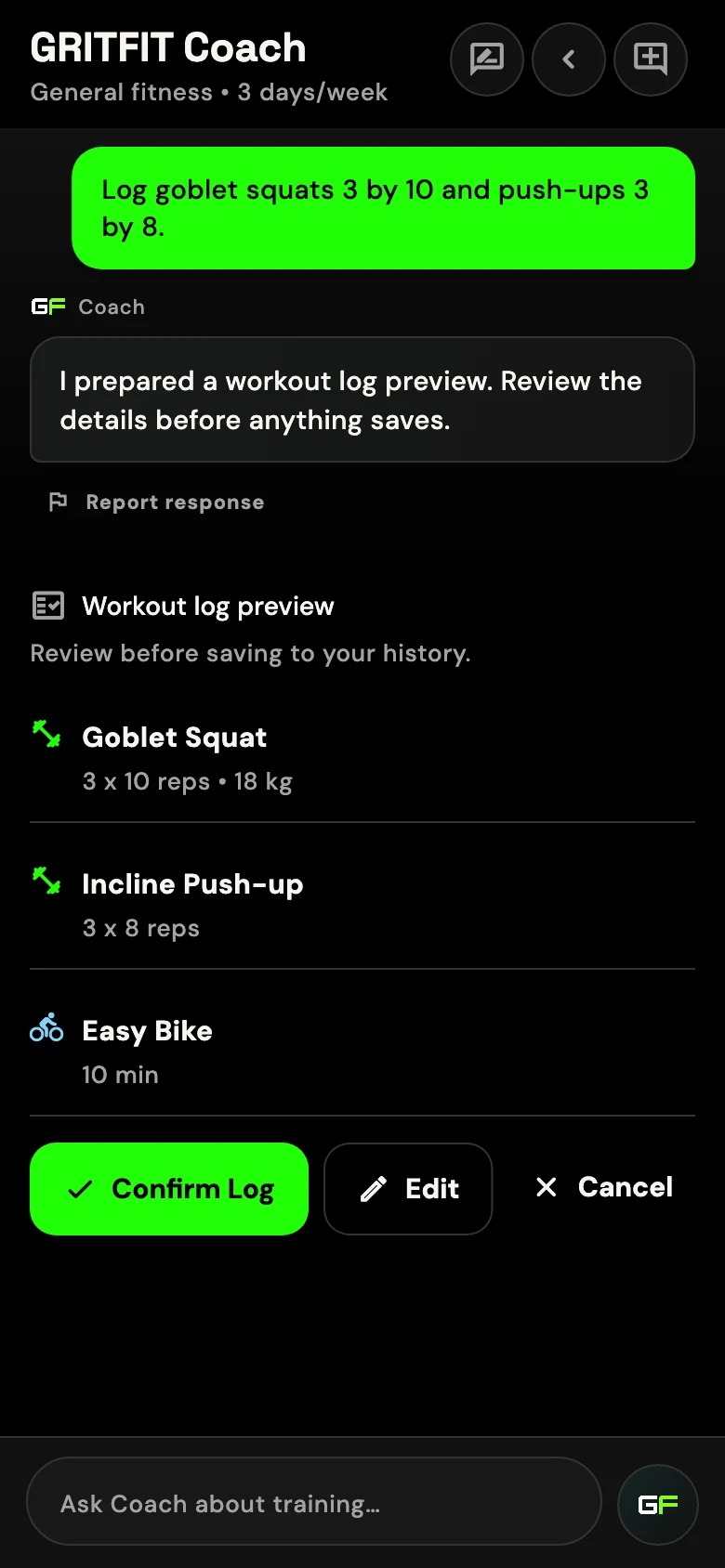
When the information is available, Coach can consider your plan and recent training instead of answering only the sentence in front of it.
Coach uses a large language model and can be wrong. It is not a human coach or clinician. Relevant prompts and training context may be processed by GRITFIT's contracted external AI provider; see AI Transparency.
GRITFIT gives strength, interval and cardio sessions their own controls and progression rules.
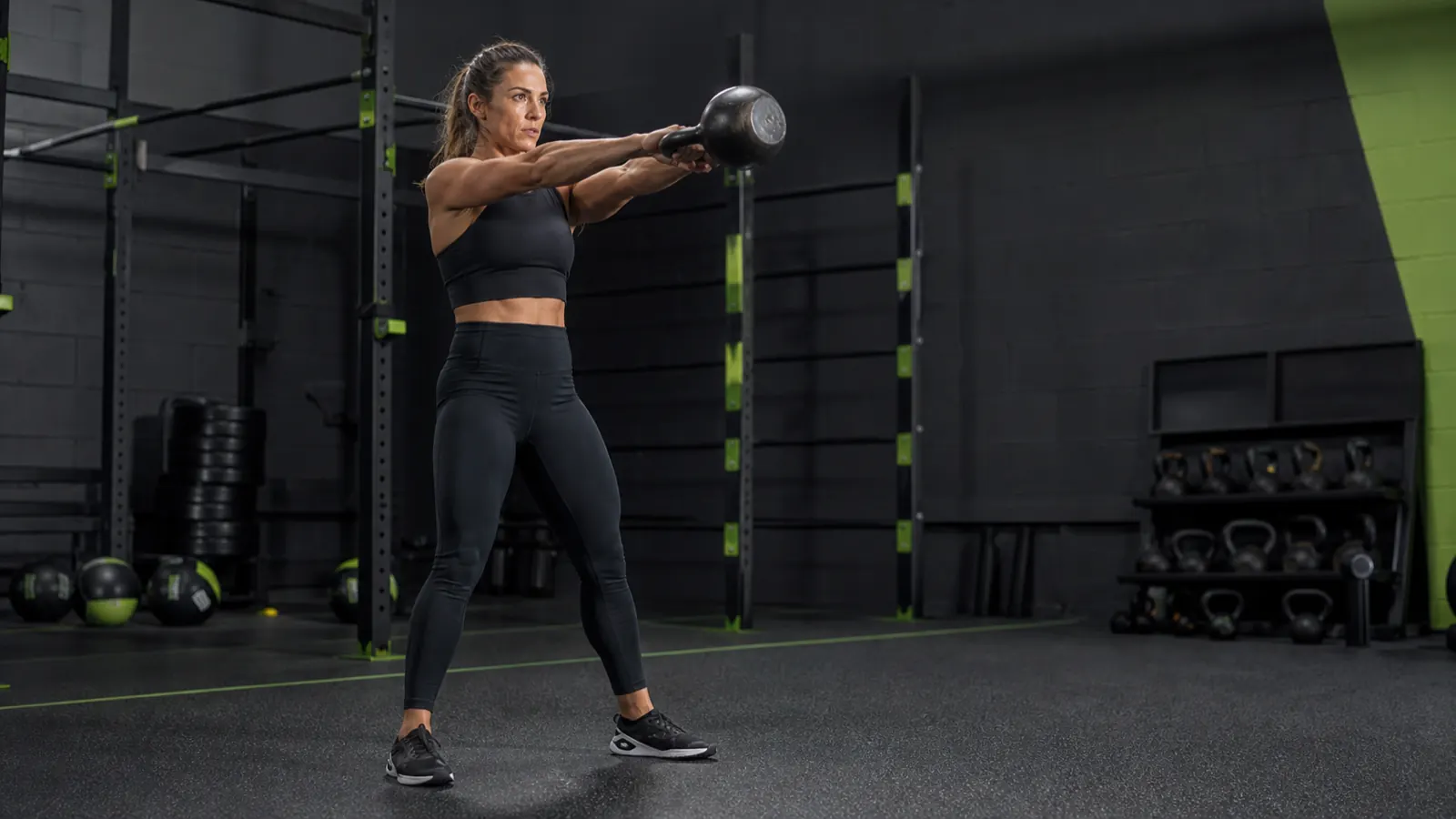
Create a one-off session, follow a structured programme or use a quick timer without pretending every training day looks the same.
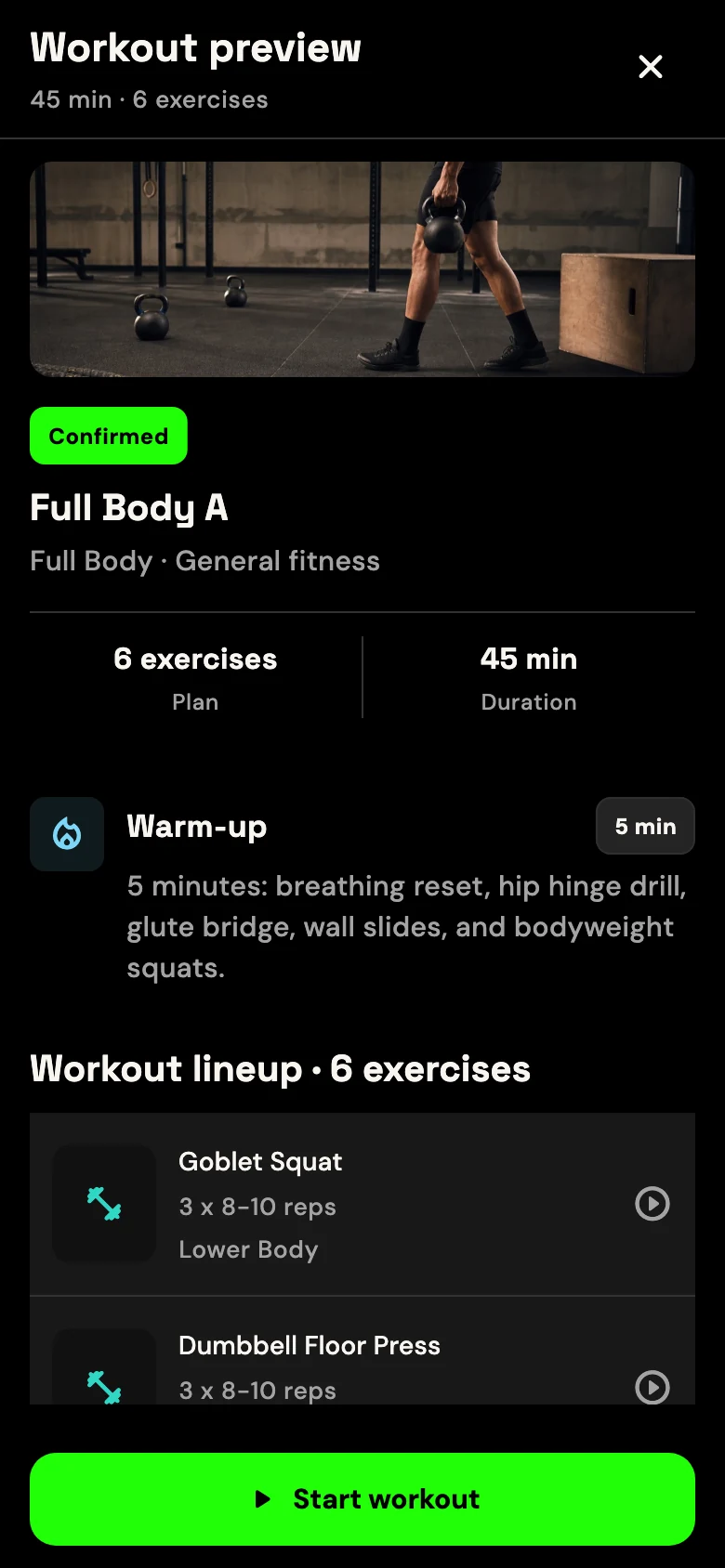
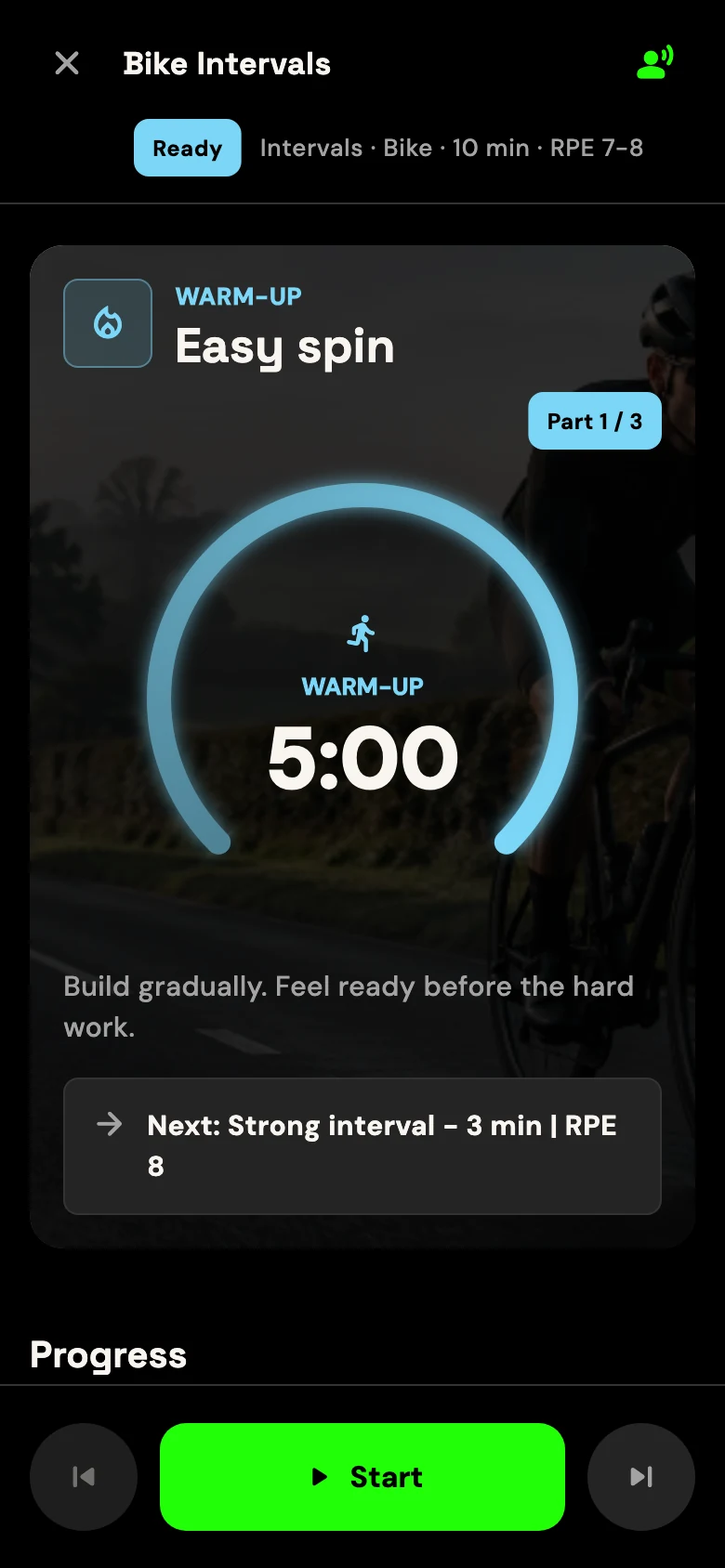
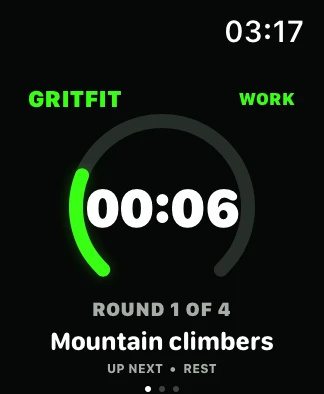
Real GRITFIT Watch companion UI. Wider device support remains in beta validation.
Outdoor and indoor distance tracking is in beta. Availability and validation can vary by device.
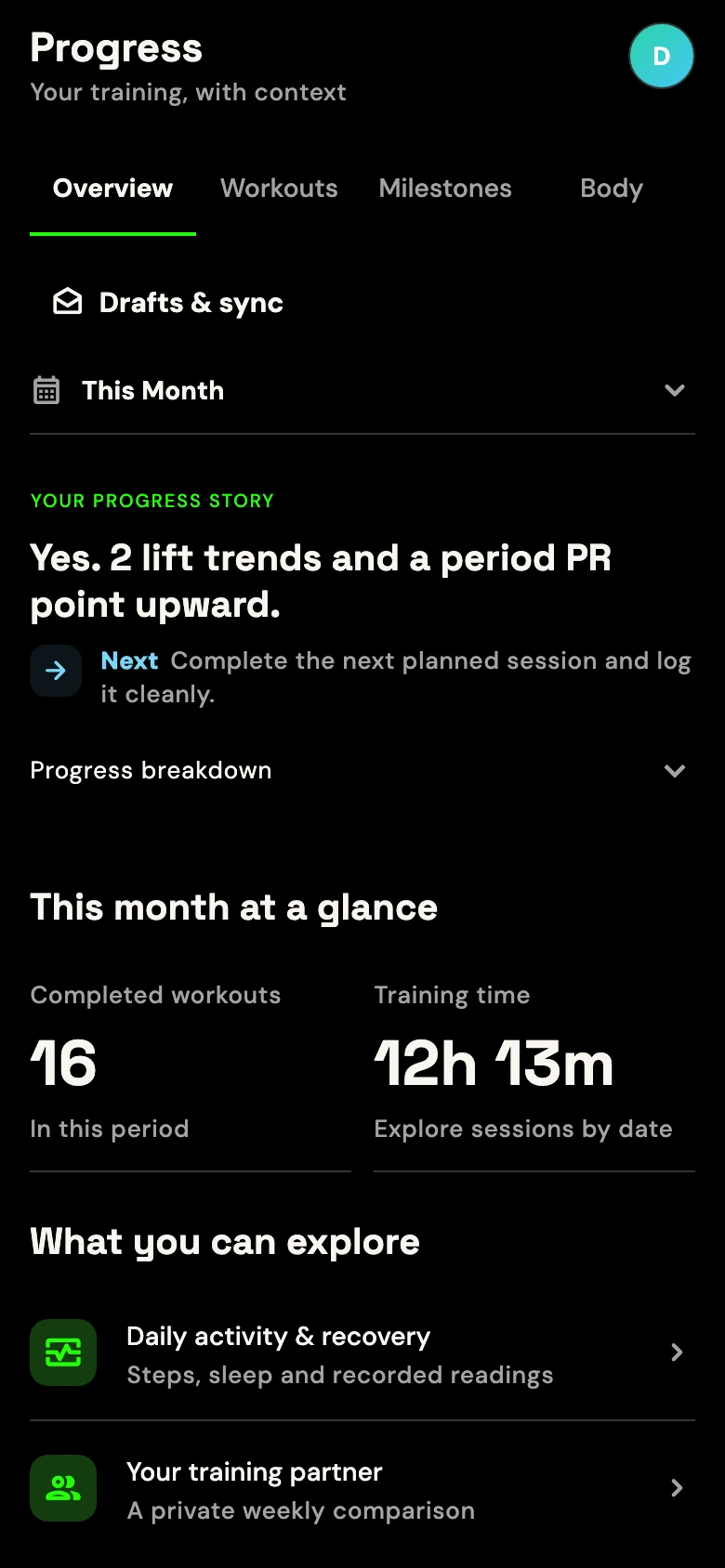
GRITFIT does not have to assume every planned set went perfectly. Individual exercises can be considered separately, and cardio follows its own rules.
Record completed sets, reps and load, plus exercise and overall effort where available.
Completion, effort, pain or fatigue signals and recent history can help determine whether progression is appropriate.
GRITFIT may keep a target steady, suggest more reps, make a small load change or reduce the next exposure. Important mutations require confirmation.
Progression is conservative and cannot guarantee a particular result. Logged data may be incomplete or inaccurate, so your judgement still matters.
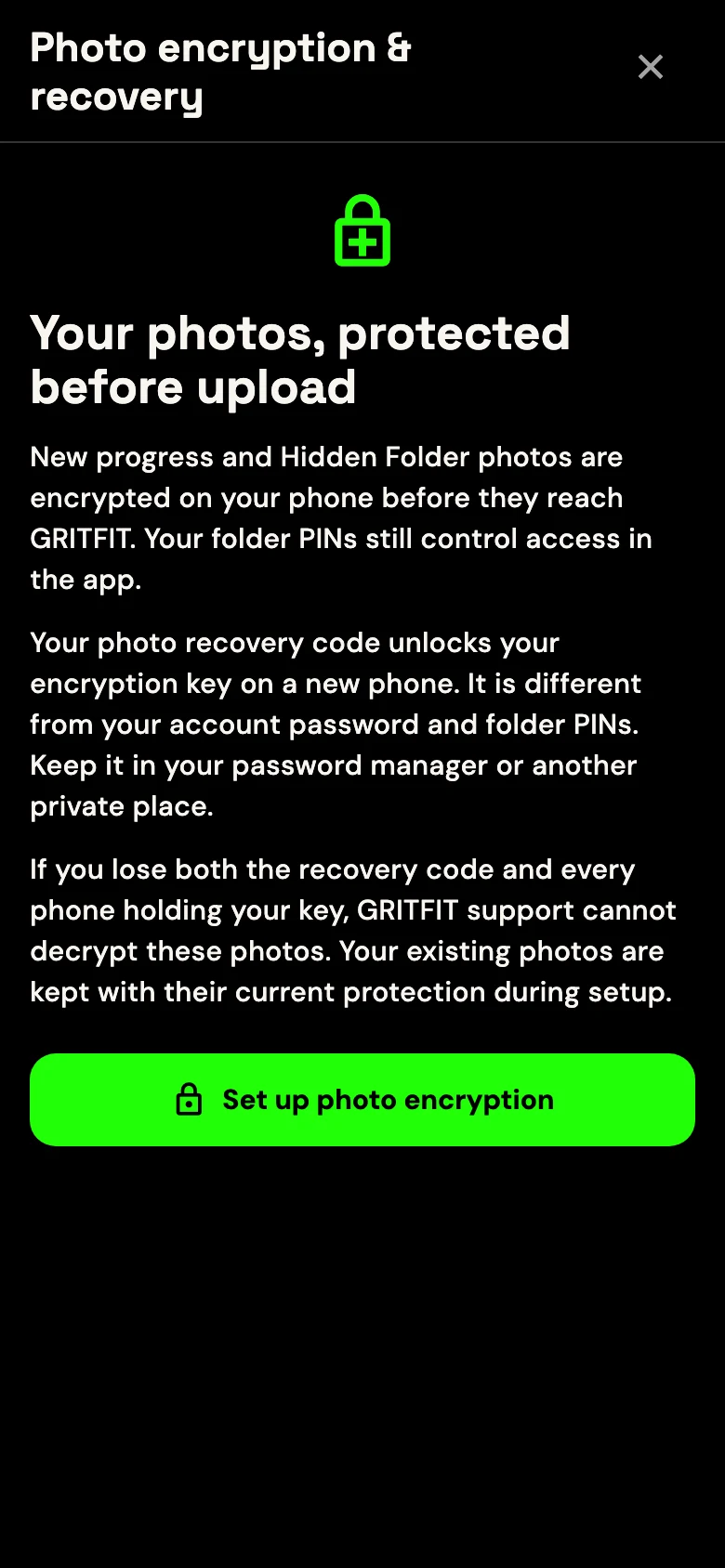
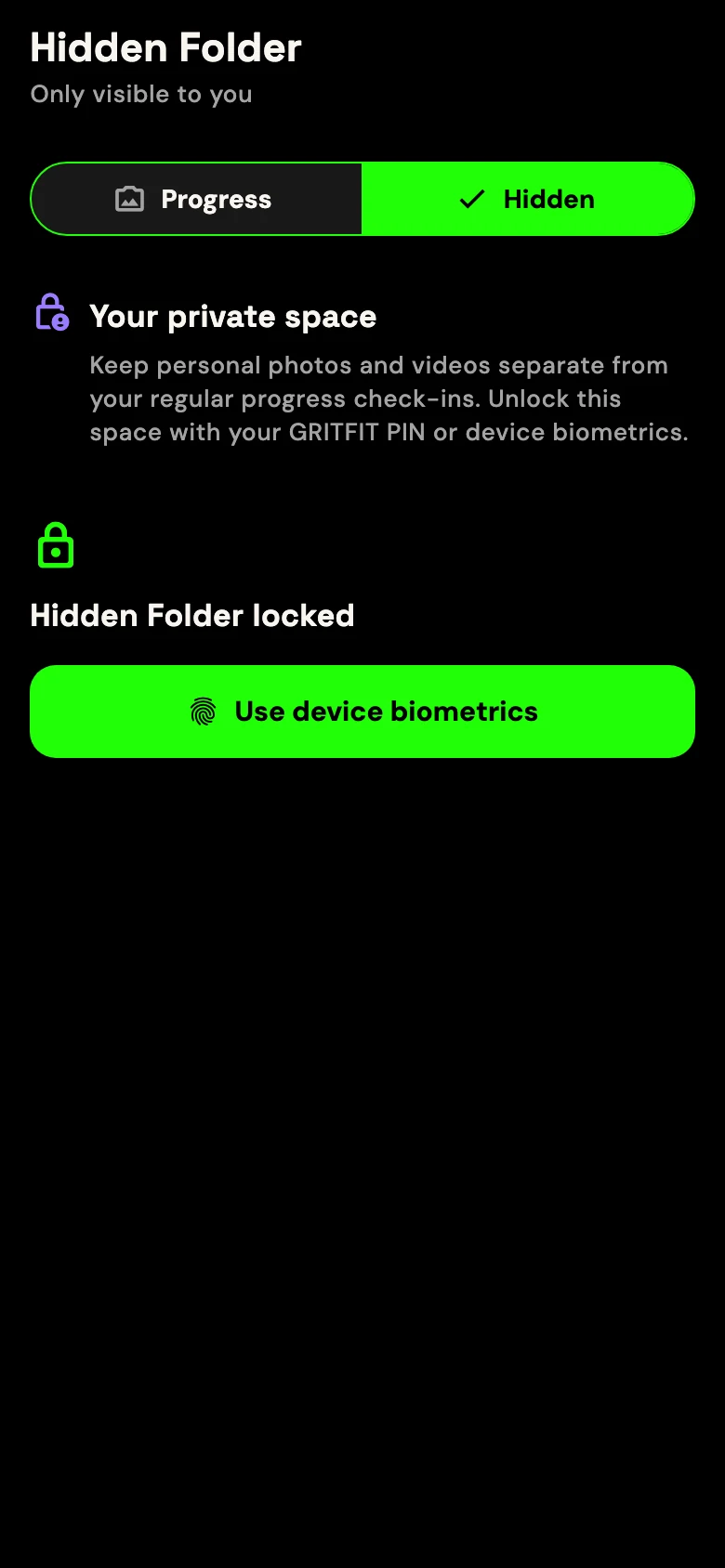
After photo encryption setup, new Progress Photos and Hidden Folder photos and videos are encrypted on your device before upload.
Now in the updated Android internal beta. Update your app and complete photo encryption setup. Apple rollout is pending.
Keep your recovery code safe. If you lose it and every device holding your key, GRITFIT cannot restore your encrypted media. This protection does not cover all app data: account details, training records, ordinary check-in notes and Coach conversations are outside this media encryption. Read what is protected.
AI suggestions sit inside a structured system. Rules and validation constrain workouts, safety-sensitive signals can block or cap progression, and supported state changes are protected.
Duration, equipment, location, workout format and programme state are handled as data, so they can be checked.
Workout and progression outputs pass through fixed validation rules and conservative limits before they can affect training.
When an important supported change can be made, GRITFIT presents what will change so you can review it first.
These are working beta features, not promises on a roadmap. Real-device delivery, store transactions and sensor behaviour still need private-beta validation.
Choose your main goal and, for supported event goals, add an event date. Generated running blocks can place the event and use a conservative pre-event taper when that date falls within the block.
Your first three completed sessions finish the introductory calibration week. Evidence confidence remains a separate signal, so recommendations stay conservative while useful goal-specific history builds.
Connect with one invited partner, control the limited weekly information you share and send a fixed encouragement nudge without opening your private training content.
Select Jay or Lucy for short spoken prompts in supported timed and cardio experiences. Voice cues remain optional and can be switched off.
Event planning cannot guarantee race performance. Push delivery depends on device permission and a store-installed build. Feature availability can vary by platform and beta release.
Approved private-beta access remains free. Designated testers may be asked to exercise Apple or Google subscription journeys using store sandbox, licence-test or TestFlight environments; these are test transactions, not a public paid offer.
Planned Free, Core and Pro memberships are shown transparently on the pricing page, but they are not currently available to purchase and may change before store approval. See how the planned GritCore price compares with regular personal training.
No invented review counts, no vague device promises and no suggestion that software can replace professional care.
GRITFIT.AI is a fitness training app. It creates structured workouts and programmes around information such as your goal, experience, equipment, location and schedule, then uses the training you record and relevant feedback to help inform future recommendations.
A general AI usually responds to the prompt in front of it. GRITFIT combines an AI conversation with your programme state, completed workouts, logged sets, recent history and additional validation rules. The language model helps with communication and reasoning, but it is not the workout database or the final authority over protected training state.
GRITFIT stores your account's training history and can load a bounded amount of relevant recent history, exercise trends, check-ins and active-plan context. That information can influence future coaching and progression. It does not have perfect memory, and incomplete logs can lead to incomplete conclusions.
Not blindly. Recorded sets, reps, load, effort, pain and recent exposures can influence a progression decision for the next matching exercise. GRITFIT may hold, progress, reduce or ask for more information. Important plan mutations require confirmation.
Yes. Equipment, training location and available duration are supported inputs when building a workout or programme. Coach can prepare a new session around changed constraints. Some edits to an already confirmed live session are intentionally more limited.
You can record injuries, movement limitations and recovery constraints, and GRITFIT uses them when filtering or validating supported training. This does not make the app a diagnostic or rehabilitation service. Seek a qualified medical or physiotherapy professional for symptoms, injuries or return-to-training decisions.
The current private beta supports compatible iPhones and iPads running iOS or iPadOS 15.0 or later, plus Android phones and tablets running Android 8.0 Oreo (API level 26) or later. Support is based on the operating-system version rather than a specific phone model. Tablet layouts are supported, while Apple Watch and Wear OS companion experiences are still awaiting physical-device and store-delivery sign-off and are not generally available.
Account, profile, training and Coach information is used to operate and personalise the service. GRITFIT uses contracted providers for authentication, hosting, database, storage, security, telemetry and AI processing. Relevant prompts and training context may be processed by the external AI provider. Optional health connections and cloud step history have separate permissions and controls. Read the Privacy Policy for the full data map.
After photo encryption setup in the updated Android internal beta, new Progress Photos and Hidden Folder photos and videos, including their thumbnails, are end-to-end encrypted on your device before upload. Keep your recovery code safe: GRITFIT cannot restore encrypted media if you lose the code and every device holding your key. Use Encrypt older photos to upgrade earlier uploads. Account details, training records, ordinary check-in notes and Coach conversations are not covered by this media encryption. Apple rollout is pending.
Yes. The app includes export, training-reset and account-deletion controls. A completed account deletion removes account-scoped active data and private media from GRITFIT's operating systems and removes the Firebase authentication identity; residual backup copies may age out later under the confirmed retention schedule.
No. GRITFIT provides fitness and wellness information only. It is not medical advice, diagnosis, treatment, physiotherapy, rehabilitation or emergency support. AI, wearable and sensor information can be wrong or incomplete.
Start with the page closest to your situation: choosing an AI fitness app, finding an adaptive planner or deciding when a real PT is the better option.
How GRITFIT connects structured workouts, recorded training and contextual guidance instead of generating a one-off answer.
How goals and constraints combine with supported training history to help shape what may make sense next.
An honest comparison of what fitness software can support and what only qualified human coaching can provide.
GRITFIT is inviting a limited group of iPhone, iPad and Android testers willing to train, log honestly and tell me what is not working.
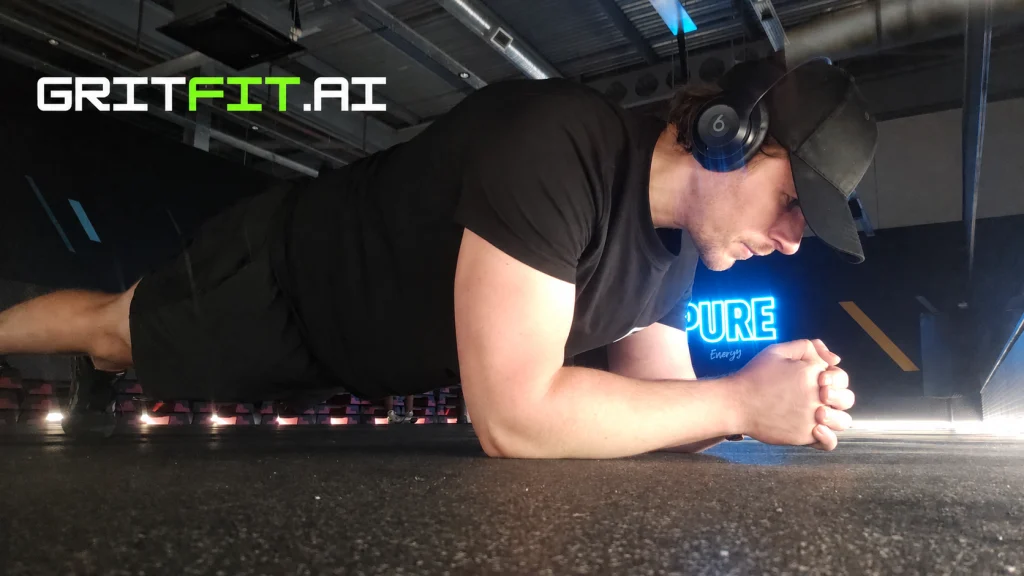
A practical way to organise three gym sessions around work and real life, with an example week and a sensible approach to missed sessions.
Read article